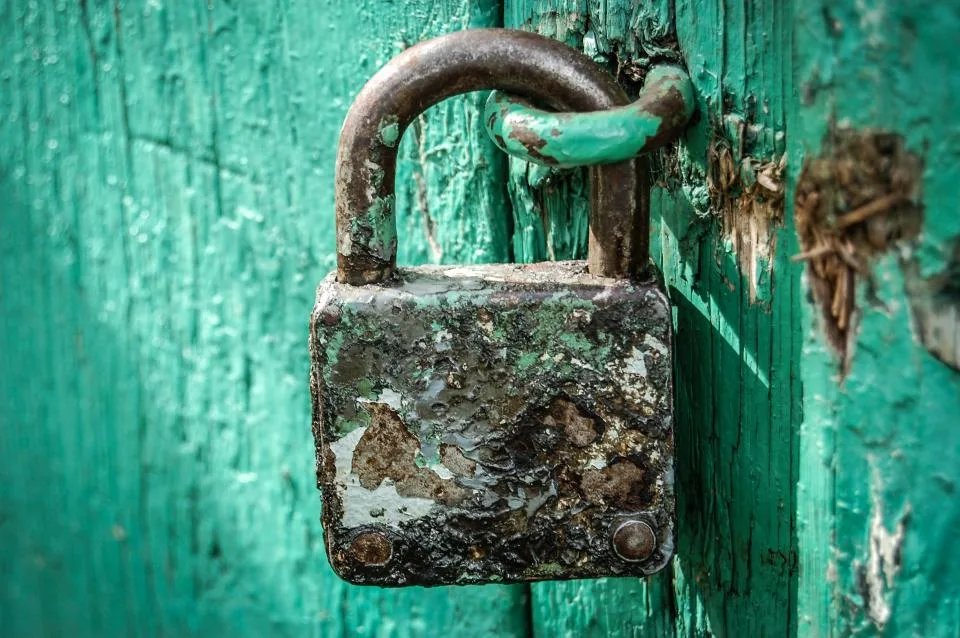
When you run a business alone, every account is a door into it: your email, your store, your payment processor, your website, your email-marketing service, your cloud drive. If one password leaks, it can open more than one of those doors. The fix isn’t expensive or technical. It’s two habits: a password manager and multifactor authentication (MFA) on the accounts that matter most.
Why This Matters More for a One-Person Business
There’s no IT department to notice something odd, and no colleague to lock things down while you’re at your day job. A taken-over email account can be used to reset the passwords on everything else. A hijacked store or payment account can cost you money and customer trust. Prevention takes an afternoon; recovery can take weeks.
Habit One: Let a Password Manager Remember for You
The FTC’s cybersecurity basics for small businesses recommend passwords of at least 12 characters mixing letters, numbers and symbols, and say never to reuse passwords or share them by phone, text or email. Nobody can memorize dozens of passwords like that, which is exactly why CISA’s Secure Our World campaign pairs strong passwords with a password manager.
A password manager generates a long, unique password for each site, stores them in an encrypted vault and fills them in for you. You can use the one built into your browser or phone, or a standalone app; compare a few and check each one’s current pricing and recovery options on its official site. Pick one, protect it with a long passphrase you can remember, and turn on MFA for the manager itself.
Habit Two: Turn On Multifactor Authentication
CISA describes MFA as needing more than a password to sign in: something you know, plus something you have (an authenticator app or a code) or something you are (a fingerprint or face scan). Even if someone steals your password, they still can’t meet the second requirement.
Not all MFA is equally strong. CISA points to phishing-resistant MFA, such as FIDO/WebAuthn security keys and passkeys, as the standard to aim for, while stressing that any MFA is better than none. A practical order for most people:
- Passkeys or a hardware security key, where the service supports them.
- An authenticator app on your phone.
- Text-message codes, if that’s the only option offered.
Where to Start
Don’t try to secure 40 accounts in one night. Start with the accounts that could unlock or drain the others:
- Your main business email (it can reset everything else)
- Your payment processor and bank
- Your storefront or checkout platform
- Your website hosting and admin login
- Your email-marketing service and your domain registrar
When you turn on MFA, every service will offer backup or recovery codes. Save them in your password manager or print them and store them somewhere safe. Losing your phone shouldn’t lock you out of your own business.
The Honest Trade-Offs
You’ll add a few seconds to some logins, and setting things up takes a couple of hours spread over a week. A password manager also becomes an important single point: protect it well and know how its recovery works before you need it. Those costs are small compared with losing your store or inbox.
Do This Today
Turn on MFA for your main business email account, using an authenticator app or passkey if available, and save the recovery codes somewhere safe. It takes about 15 minutes. Then write the next four accounts from the list above on a sticky note for tomorrow.